.png)
Image to Video Animation: Turn Any Photo Into Scroll-Stopping Clips
Image-to-video animation has become one of the most powerful ways to bring static visuals to life and capture attention in today’s fast-scrolling social media world. Whether you’re working with product photos, lifestyle images, or even AI-generated visuals, animating them can transform them into dynamic, engaging clips that feel native on platforms like TikTok, Reels, or YouTube Shorts.
However, many creators and marketers don’t fully understand the potential of image-to-video tools. The common mistake is assuming that any static image will automatically translate into a video just by adding motion. In reality, the quality of the animation depends largely on the prompt you provide to the AI tool, the type of image you start with, and the specific motion styles you choose.
This article will walk you through the basics of image-to-video animation, the best practices for creating high-quality animated clips, and 10 real-world use cases for bringing your images to life. You'll also get a collection of copy-paste prompt examples you can use to turn your photos into attention-grabbing video content.
1) Why Image-to-Video Animation Works (And When It Doesn’t)
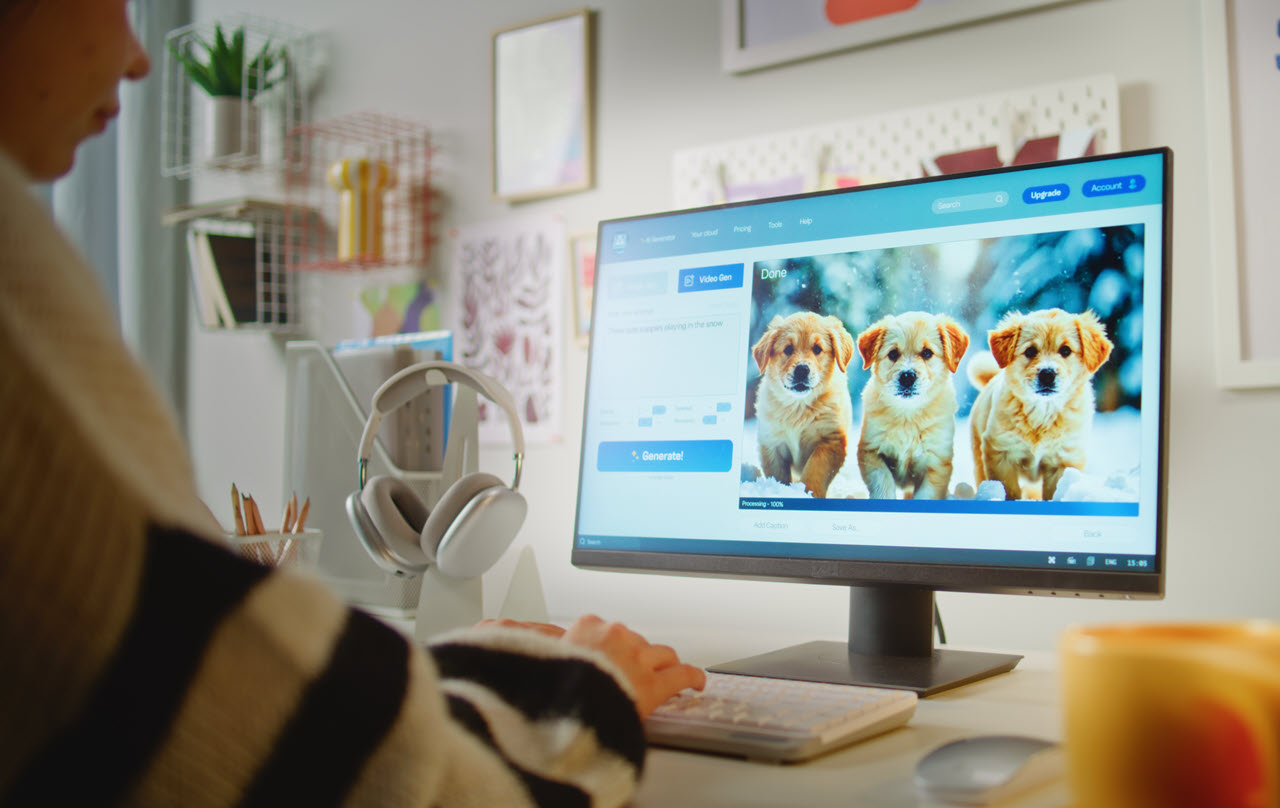
Static images can sometimes feel flat and lifeless, especially on social media, where movement catches more attention. Adding animation to your photos introduces an element of dynamism that stops people from scrolling. It’s the difference between a still image of a product and a product slowly rotating in 3D or a customer holding the product in their hands.
Image-to-video works best when you want to:
· Enhance your product shots: Instead of relying on static images, turn them into engaging, motion-filled clips that show the product in a more appealing light.
· Create motion from limited assets: If you only have one product photo, you can animate it to create multiple video assets.
· Add depth to lifestyle photos: Turn simple lifestyle photos into more engaging content by adding subtle movements.
· Boost engagement: Motion is known to increase engagement rates on social media posts, especially in formats like Stories and Reels.
However, there are cases where image-to-video may not work as effectively:
· Complex scenes: If your image has too many subjects or background elements that need to be separated or moved independently, AI may struggle to animate it correctly.
· Poor-quality photos: Images that are blurry or poorly lit won’t benefit as much from animation. Always start with high-quality, sharp images.
· Overcomplicated prompts: Adding too many motion effects or elements in one prompt can confuse the AI and result in unnatural outputs.
2) The Best Types of Images for Animation
Not all images are created equal when it comes to animation. To get the best results, choose images that have:
· Clear subject matter: The subject of your photo should be distinct and easy to isolate. It could be a product, a person, or even a building or landscape.
· Sharp focus: Blurry images will result in less realistic animation because the AI can’t detect the fine details needed for smooth motion.
· Simple background: Simple, uncluttered backgrounds work best because they allow the focus to stay on the subject. Complex or busy backgrounds can be harder for the AI to animate without looking unnatural.
· Balanced lighting: Evenly lit images will make it easier to create realistic motion effects. If your image has harsh shadows or overexposed areas, it might not animate as smoothly.
· Center-framed or straightforward composition: The best images for animation are ones where the subject is placed prominently and straightforwardly within the frame.
For example, an image of a person holding a product in a simple setting (like a kitchen or living room) will work much better than an image of a crowd at an event or a highly detailed architectural shot.
3) Common Motion Styles for Image-to-Video Animation
When you animate an image, you can control the type of motion that’s applied. This helps ensure your animation fits the purpose and style of your content. Here are the most popular motion styles used in image-to-video animation:
A) Cinematic Camera Moves
· Slow dolly in: Creates a “push-in” effect, slowly bringing focus onto the subject. Ideal for product showcases or hero shots.
· Smooth panning: Moves the camera from left to right (or vice versa) to reveal more of the scene. Great for lifestyle images or panoramic shots.
· Tilt-up or tilt-down: Moves the camera vertically to highlight different aspects of the image, perfect for product reveals or portrait shots.
· Parallax depth effect: Adds subtle depth to flat images by making the background and foreground move at different speeds, giving a 3D feel.
B) Micro-Motion Realism
· Subtle head movement (for portraits): Adds slight movement to a person’s head or eyes, creating the illusion that they’re alive or engaged. Common for UGC-style content.
· Breathing effect: Adds gentle up-and-down motion to the chest or shoulders to simulate breathing, making the subject feel more realistic.
· Blinking eyes (for faces): A tiny but impactful effect that adds life to portrait or character photos.
· Hair movement: Adds subtle wind or movement to hair, especially useful in outdoor or fashion shoots.
· Particles or sparks: Adds motion effects like sparkles, smoke, or water splashes to make the image feel more dynamic. This is great for product ads (e.g., beauty products or tech gadgets).
· Quick zoom-ins or zoom-outs: Fast camera movements that draw attention to specific details in the image, ideal for action shots or energetic ads.
· Fast cuts: High-energy movement, often used in trend-driven or meme-style content, where the image quickly cuts between various elements of the photo.
D) Subtle Motion for Storytelling
· Gentle camera shake: Gives the feeling that the camera is being held by a person, perfect for creating a more “real” or intimate atmosphere.
· Slow fading transitions: Adds a fading or dissolving effect between scenes, ideal for storytelling or emotional content where the mood is more subdued.
4) Prompt Templates: How to Write Effective Prompts for Image-to-Video
To create the best possible animation from your images, the prompt needs to be specific and clear. Below is a simple structure to help guide your prompts:
[Action] + [Subject] + [Environment] + [Camera Move/Lighting Style]
Here are some practical examples you can copy and modify based on your needs:
Example 1: Product Animation
Prompt:
“[Product] rotating slowly on a minimal background, slow dolly-in motion, soft studio lighting, glossy reflections, vertical 6 seconds.”
Example 2: Lifestyle Image
Prompt:
“A woman holding a cup of coffee in a cozy kitchen, subtle head movement, slight camera tilt-up to focus on her expression, warm indoor lighting, vertical 8 seconds.”
Example 3: Fashion Product
Prompt:
“A pair of shoes on a clean white surface, rotating slowly to reveal the details, soft lighting, macro close-up, vertical 6 seconds.”
Example 4: Nature Scene
Prompt:
“A sunset view over a calm lake, gentle parallax effect, camera tilt-down to reveal the water, golden hour lighting, vertical 10 seconds.”
Example 5: Brand Logo Reveal
Prompt:
“Brand logo floating in space with subtle glowing effects, slow zoom-in, minimal background, soft glowing light, vertical 6 seconds.”
5) 10 High-Converting Use Cases for Image-to-Video Animation
Now, let’s dive into some real-world applications of image-to-video animation that can supercharge your content strategy.
1) E-commerce Product Animation
Animate a product photo to show it in action or from different angles. Perfect for product listings, ads, and social media content.
2) Fashion Try-On Animation
Turn a fashion product image into a full-body animation, showing the product worn by a model, complete with subtle movements and zooms.
3) Unboxing Video
Animate a flat product image of a package being opened. This works well for subscription boxes or surprise products.
4) Before/After Comparison
Use an image-to-video tool to animate before-and-after shots, such as a room makeover, a beauty product result, or even a health transformation.
5) Recipe Steps
If you have an image of ingredients or a finished dish, animate the steps in a recipe to make a dynamic cooking tutorial.
6) Real Estate Tours
Take static real estate photos and animate them to highlight key features or transitions between rooms. A great way to create video walkthroughs without shooting extra footage.
7) App Demo
Use app screenshots or interface images and animate the screen to demonstrate how the app works. This is great for social media ads or tutorials.
8) Event Recap
Animate photos from a recent event or conference, using subtle transitions and motion effects to create a recap video.
9) Product Benefits Showcase
Create a video that zooms in on key features of a product, highlighting its benefits using motion effects and close-up shots.
Animate holiday-themed photos (e.g., Christmas or Halloween decorations) and use subtle motions to create festive ads.
6) Common Mistakes (And How to Fix Them)
Mistake 1: Overloading the animation with too much motion
Fix: Keep it simple and select one motion style per clip. Avoid using too many effects that compete with each other.
Mistake 2: Choosing poor-quality images
Fix: Start with sharp, well-lit images that have a clean background and clear subject. Blurry or complex images won’t animate well.
Mistake 3: Using vague descriptions in the prompt
Fix: Be specific about what the viewer should see, what actions should happen, and how the camera moves.
Mistake 4: Not specifying platform format
Fix: Always specify vertical 9:16 for TikTok/Reels/Shorts videos and mention the length (6s–10s for hook tests, 15s–30s for scaling).
7) How to Scale Image-to-Video Animation in Your Workflow
If you plan on using image-to-video animation regularly, build a library of reusable prompt templates to streamline the process.
· Create prompt categories (e.g., product shots, lifestyle shots, holidays, before/after).
· Reuse proven motion styles (e.g., slow dolly, zooms).
· Generate variations for testing.
By turning image-to-video into a repeatable process, you can scale up your content creation without sacrificing quality.
Suggested Internal Links (Anchor Text Ideas)
· free image to video generator
· AI UGC video generator
· pricing for HD export
· text to video animation
Conclusion:
Image-to-video animation is a fast, cost-effective way to transform static visuals into dynamic content that resonates on social platforms. By following best practices for image selection, motion styles, and prompt writing, you can create professional-looking animations in minutes. Whether for e-commerce, social media ads, or product showcases, the possibilities are endless—and it’s all at your fingertips with the right AI tools.