How to Turn Product Images into UGC-Style Videos with AI
Not every brand has creators on standby.
Not every campaign has time for filming.
And not every product needs a camera to sell.
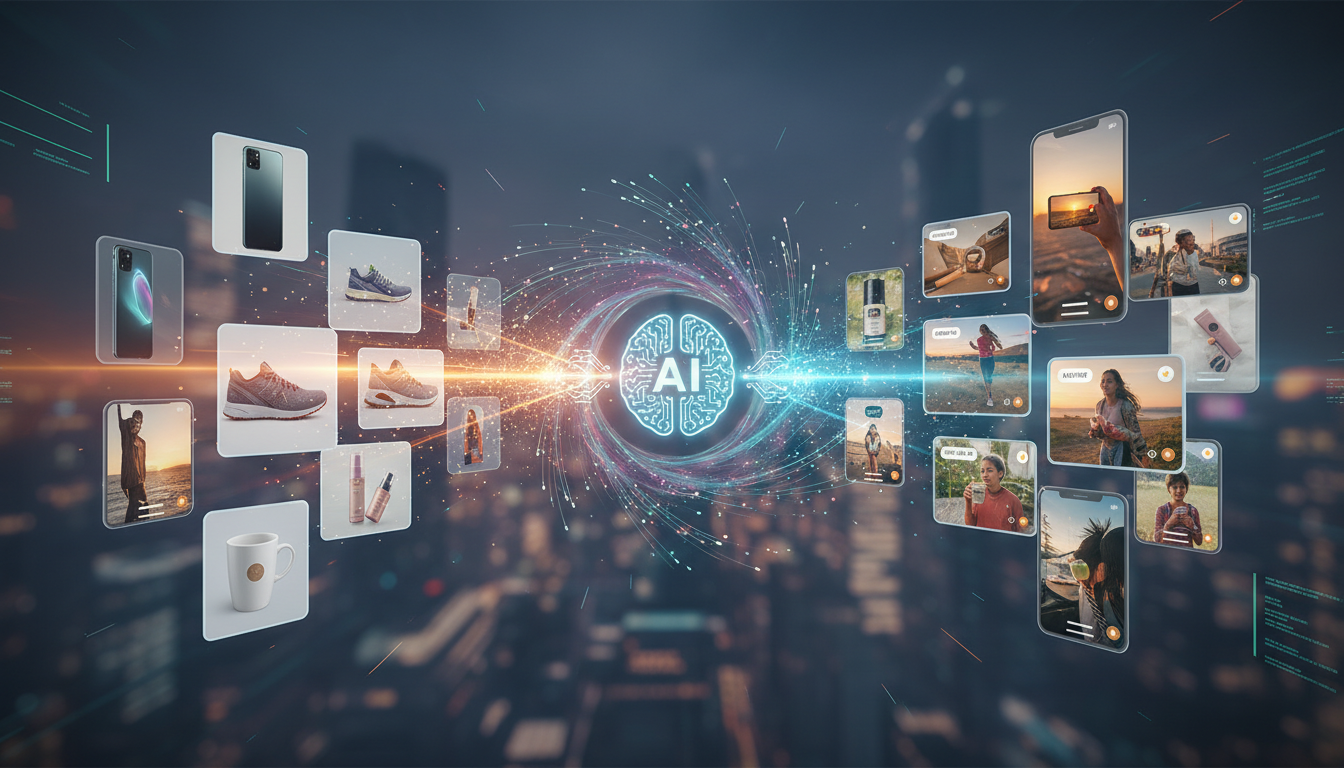
In 2025, many of the highest-performing UGC-style videos start with nothing more than product images—and are transformed into short-form, creator-style videos using AI.
This guide explains how brands turn static product images into authentic UGC-style videos, why this approach works so well, and how you can scale it for ads, social media, and product pages—without filming a single clip.
Why Image-to-UGC Videos Work So Well
UGC-style videos don’t convert because they’re filmed.
They convert because they feel human, clear, and relevant.
When done correctly, image-based UGC videos:
· look native in short-form feeds
· communicate benefits visually
· remove production bottlenecks
· scale faster than traditional filming
For many brands, image-to-video workflows unlock UGC for the first time.
What Is an Image-to-UGC Video?
An image-to-UGC video is a short-form video created by:
· animating product images
· combining them with UGC-style scripts
· applying creator-like pacing, captions, and structure
The result looks like:
· a creator demo
· a testimonial-style walkthrough
· a casual product explanation
—not like a slideshow.
The key is structure, not source material.
When You Should Use Product Images Instead of Filming
Image-based UGC videos are ideal when:
· you don’t have creator footage yet
· products are digital or abstract
· filming is expensive or slow
· you need dozens of ad variations quickly
· you want to test messaging before filming
Common use cases include:
· e-commerce product launches
· SaaS tools and apps
· subscription boxes
· marketplaces with many SKUs
The Core Elements of a Converting Image-Based UGC Video
Even without filming, high-performing UGC videos still follow the same rules.
Every image-based UGC video needs:
1. A strong hook (first 2 seconds)
2. One clear pain point
3. Visual proof or clarity
4. Human language
5. A simple CTA
Images provide visuals.
UGC structure provides conversion.
Step-by-Step: Turn Product Images into UGC-Style Videos
Step 1: Select the Right Images
Choose images that show:
· the product clearly
· usage context (if possible)
· details or features
· outcomes or benefits
Best image types:
· lifestyle shots
· close-ups
· before/after visuals
· UI screenshots (for apps)
Avoid overly polished catalog-only images unless you soften them with captions and pacing.
Step 2: Write a UGC-Style Script (Not Product Copy)
This is where most brands fail.
Don’t write like a brand.
Write like a user.
Simple script template:
Hook (0–2s)
“Here’s the easiest way to ___ without ___.”
Problem (2–6s)
“I kept struggling with ___.”
Solution (6–15s)
“This is what I started using…”
Proof (15–25s)
“What surprised me was ___.”
CTA (25–35s)
“If you want to try it, start with ___.”
This script will guide image sequencing and captions.
Step 3: Animate Images Like a Creator Would
UGC-style motion matters more than fancy effects.
Use:
· slow zoom-ins
· subtle pans
· quick cuts
· focus shifts
Avoid:
· dramatic transitions
· flashy effects
· slideshow pacing
The goal is casual movement, not cinematic polish.
Step 4: Add Human-Style Captions
Captions carry much of the authenticity.
Best practices:
· short lines
· simple words
· conversational tone
· one idea per screen
Example:
“I didn’t think this would help…”
“But this part actually surprised me.”
Captions should sound like thoughts—not headlines.
Step 5: Structure for Retention
Even with images, pacing matters.
Retention checklist:
· change visuals every 1–2 seconds
· highlight one feature at a time
· use contrast (before vs after)
· show outcomes clearly
If the viewer understands the value in under 10 seconds, the video is working.
6 Image-to-UGC Video Formats That Convert
1. Problem → Solution Walkthrough
Images + captions explaining a pain point and fix.
2. Feature Breakdown
Each image highlights one feature with UGC-style commentary.
3. Before vs After
Static comparison with motion and captions.
4. UI or App Demo
Screen images animated with explanatory captions.
5. “Why This Exists” Explainer
Storytelling using product visuals.
6. Objection-Based Video
Images paired with answers to common concerns.
These formats are highly repeatable and easy to scale.
How Brands Scale Image-Based UGC with AI
AI-powered image-to-video workflows allow brands to:
· turn images into motion automatically
· generate multiple video variations
· test hooks and captions quickly
· export platform-ready formats
Instead of waiting weeks for filming, brands can:
· launch campaigns in hours
· refresh creatives weekly
· test messaging before investing in creators
This is especially powerful for paid ads.
Image-to-UGC vs Traditional Video Production
|
Traditional Video |
Image-to-UGC |
|
Requires filming |
No filming |
|
Slow turnaround |
Fast |
|
High cost |
Cost-efficient |
|
Hard to scale |
Easy to iterate |
|
Creator-dependent |
Asset-driven |
For early-stage testing, image-based UGC often wins.
Common Mistakes to Avoid
· Writing brand copy instead of UGC language
· Using static slideshow pacing
· Over-designing transitions
· Highlighting too many features
· Forgetting a clear CTA
Remember:
If it feels like a product video, it won’t convert.
If it feels like a user explaining something, it will.
When to Upgrade from Images to Filming
Image-based UGC is not a replacement—it’s a starting point.
Upgrade to filming when:
· a message proves conversion
· a format scales profitably
· you want deeper emotional storytelling
Many top brands:
1. Test with image-based UGC
2. Identify winners
3. Recreate them with creators
This saves time, money, and guesswork.
The Future of Image-to-UGC Videos
As AI improves, the line between filmed UGC and image-based UGC continues to blur.
What matters in 2025 is not:
· how content was made
But:
· how fast it tests
· how well it converts
· how easily it scales
Image-to-UGC workflows give brands speed without sacrificing authenticity.
Conclusion
You don’t need a camera to create UGC-style videos.
You need:
· the right structure
· the right language
· the right pacing
By turning product images into UGC-style videos with AI, brands can:
· launch faster
· test smarter
· scale more efficiently
In a world where attention is scarce, speed wins—and image-to-UGC videos make speed possible.