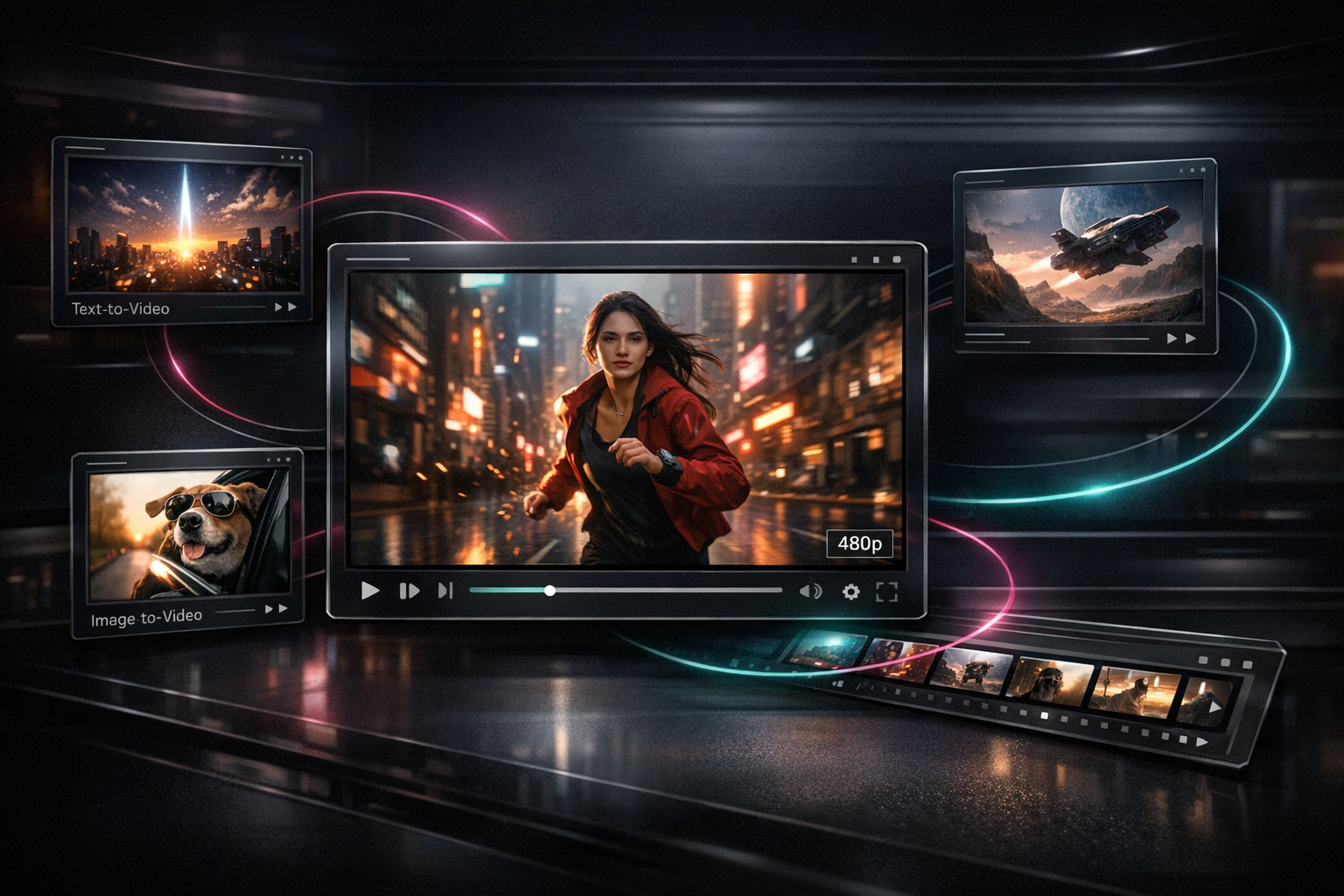
Free AI Video Generator Workflows for Faster 480p Drafts

Quick answer
A free AI video generator is most useful when it lets you test ideas quickly before you spend credits or commit to HD output. In AI Video Maker's recent V3 rollout, signed-up users can generate short 480p drafts through a dedicated free path for text-to-video and image-to-video, which makes it practical to validate hooks, motion, framing, and prompt quality before moving to paid 720p or credit-based 1080p workflows.
Why a free AI video generator matters
People searching for a free AI video generator usually do not want a long theory lesson. They want to know whether they can go from idea to draft fast, whether the output is good enough to judge, and what they will need to pay for later.
That is why the recent product changes matter. On March 20, 2026, AI Video Maker added a dedicated free-user AI video generation flow for AI Video Maker V3, and follow-up work on March 19 and March 21, 2026 refined the model options shown in the generator and updated the free-user model configuration. The practical result is simple: you can use the free path to pressure-test prompts and visuals before you upgrade output quality.
This is the right use for free drafts because short-form platforms reward fast testing. Google Ads recommends vertical 9:16 video for Shorts and says videos under 60 seconds better match Shorts viewing behavior, while YouTube Help documents that Shorts uploads can be vertical and up to 1080p when published. Those platform rules make low-friction draft loops valuable because you can validate structure early, then publish in the format that fits distribution best. (Sources: Google Ads Help, YouTube Help)
Entity definitions
- Free AI video generator: A workflow that lets users create video drafts without paying for every first pass, usually by limiting duration, resolution, or queue priority.
- 480p draft: A lower-resolution preview used to judge prompt quality, subject motion, framing, and narrative clarity before exporting a higher-resolution version.
- AI Video Maker V3: The current branded generator option in AI Video Maker's text-to-video and image-to-video flows, with a dedicated free-user path for short 480p generations.
Free AI video generator workflow for faster drafts
1. Start with one decision, not a perfect prompt
The fastest free AI video generator workflow starts with a single thing to validate:
- Is the hook visually strong enough?
- Does the subject motion read clearly in five seconds?
- Is this idea better as text-to-video or image-to-video?
If you try to solve style, motion, camera movement, CTA, soundtrack, and aspect ratio in one pass, you will learn very little from the first result. A short free draft works best when it isolates one decision.
For AI Video Maker, that means opening either the Text to Video workflow or the Image to Video workflow and drafting a compact, single-scene concept first.
2. Use the free path to validate the idea, not to finish the campaign
The new free-user V3 flow is optimized for short drafts. In the current implementation, the dedicated free route creates a 5-second generation at 480p and supports common aspect ratios including 16:9, 9:16, and 1:1.
That makes it well suited to three early checks:
- Prompt clarity: Does the model understand the subject, setting, and action?
- Composition fit: Does the scene work as vertical, square, or landscape?
- Motion confidence: Does the clip feel stable enough to justify a higher-quality rerun?
This is the stage where a free AI video generator saves the most time. You are not trying to produce the final ad or final organic post yet. You are trying to reject weak concepts quickly.
3. Write prompts that are small enough to debug
Good draft prompts are specific, but not overloaded. A better first-pass structure is:
- Subject
- Action
- Environment
- Camera intent
- Style constraint
Example:
A ceramic coffee mug on a black desk, slow push-in camera move, morning window light, soft reflections, minimal product-ad style, vertical framing.
That prompt is easier to debug than a bloated paragraph. If the motion looks wrong, you know which part to change. If the framing feels weak, you can switch to 9:16 and rerun before you ever pay for an HD export.
4. Match your draft to the channel you plan to publish on
A free AI video generator workflow should reflect the destination platform from the beginning.
Google Ads says vertical 9:16 video is best for YouTube Shorts ads and recommends keeping videos short and engaging, with under-60-second creative matching Shorts behavior. YouTube Help also notes that Shorts uploads can be vertical and that uploads can go up to 1080p. Together, those two sources are a good reminder that draft resolution and publish resolution are different decisions. (Sources: Google Ads Help, YouTube Help)
Use this rule of thumb:
- Use
9:16when the clip is likely headed to Shorts, Reels, or TikTok-style placements. - Use
16:9when the goal is YouTube, landing pages, demos, or embedded product explainers. - Use
1:1when you need a safe middle ground for cross-posting or rapid creative review.
5. Decide when to leave the draft stage
Move beyond the free AI video generator stage when the answer to all three questions is yes:
- Does the first three seconds clearly communicate the idea?
- Does the subject stay readable throughout the clip?
- Would a better resolution make this ready for publishing, review, or paid distribution?
If yes, then move to the next tier:
- Keep iterating inside AI Video Maker for more prompt work.
- Use a paid plan when you need watermark-free 720p output and commercial use framing from the pricing model.
- Use credit-based HD workflows when the creative has already proven itself and higher-resolution output is worth the cost. See Pricing for the current plan structure.
Optimization and publishing notes
If you want the page itself to perform well in search and answer engines, do not publish a vague feature recap. Publish the workflow clearly.
Google's guidance for helpful content says creators should evaluate content in terms of "Who, How, and Why," which is a useful standard for product-led tutorials like this one. Google's newer AI features documentation also says there are no special extra requirements for AI Overviews or AI Mode beyond strong SEO fundamentals, textual clarity, crawlability, and structured data that matches the visible page text. (Sources: Google Search Central, Google Search Central)
For this topic, that means:
- Explain what changed and when.
- Define what "free" actually covers.
- Give a concrete workflow instead of generic AI-video hype.
- Link readers to the next tool they need, such as Text to Video, Image to Video, or Pricing.
Recommended AI Video Maker tools
- AI Video Maker for starting drafts and comparing workflows.
- Text to Video for prompt-led first passes.
- Image to Video when you already have a reference image or keyframe.
- Pricing when a draft is strong enough to justify HD output or commercial use requirements.
Frequently Asked Questions
What does "free AI video generator" mean in this workflow?
Here it means using AI Video Maker's recent free-user V3 path to create short 480p drafts before moving into paid HD or credit-based output. The free stage is for validation, not for squeezing every final production requirement into one run.
Is 480p enough for a free AI video generator test?
Yes, if your goal is to judge hook strength, scene composition, motion quality, and prompt clarity. No, if your goal is final client delivery, commercial export, or HD publishing without another pass.
Should I start with text-to-video or image-to-video?
Start with text-to-video when the idea is still rough and you want to explore directions quickly. Start with image-to-video when you already have a product shot, character frame, or reference visual you want the motion to follow.
When should I upgrade from the free draft workflow?
Upgrade when the concept already works and resolution becomes the main limitation. That is usually the point where watermark removal, 720p output, commercial rights, or credit-based HD rendering start to matter more than experimentation speed.
What is the biggest mistake people make with a free AI video generator?
They ask the first draft to do too much. A free draft should answer one creative question at a time, not solve the entire campaign in a single generation.