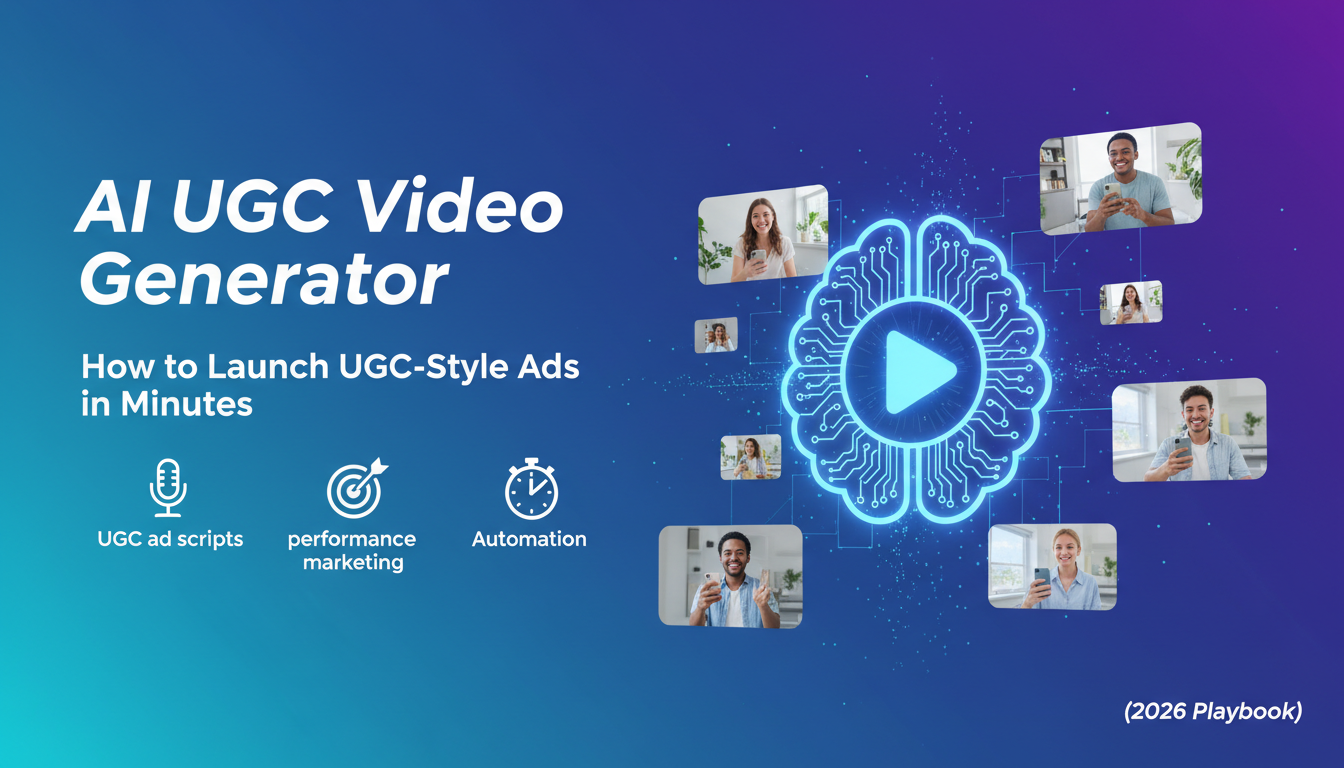
AI UGC Video Generator: How to Launch UGC-Style Ads in Minutes (2026 Playbook)
But here’s the real issue: demand for UGC has outgrown the traditional creator workflow. If your goal is to test 10–30 new ad variations every week, you can’t rely on emailing creators, waiting for filming schedules, reviewing drafts, and requesting edits one by one. That process is slow, expensive, and impossible to scale consistently.
That’s why teams are moving toward an AI UGC video generator approach: a workflow that lets you produce UGC-style videos faster, create more variations, and test creative angles with less friction—without losing the “creator vibe” that makes UGC work.
This playbook explains what AI UGC really is, the UGC formats that convert best, how to write scripts that don’t sound like marketing, and a repeatable creative testing system you can run every week.
1) What Is an AI UGC Video Generator (and what it is NOT)

An AI UGC video generator is a tool or workflow designed to create UGC-style short videos—typically for TikTok, Reels, and Shorts—using AI to speed up scripting, production, or editing. The goal is not “cinematic perfection.” The goal is creator realism at scale.
AI UGC is NOT:
· a glossy brand commercial with heavy motion graphics
· a generic slideshow with stock visuals
· a script that reads like your landing page copy
· a single “perfect” video you post once
AI UGC IS:
· a system for creating many variations quickly
· a way to test hooks, angles, and pacing without creator bottlenecks
· a method for refreshing creatives frequently to avoid ad fatigue
· a workflow that helps you find “what message works” faster than competitors
If you get this right, you don’t just create more ads—you create a creative engine.
2) Why UGC Ads Need “Variations,” Not “Perfection”
Most teams lose money because they treat creative like a final product. In performance marketing, creative is an experiment.
One “idea” can generate dozens of testable variations:
· Different hooks (pain, curiosity, shock, story, benefit)
· Different angles (time-saving, money, convenience, confidence, speed, safety)
· Different pacing (fast jump-cuts vs slower explanation)
· Different claims (one strong claim vs three smaller claims)
· Different CTAs (“try it now” vs “watch the demo” vs “limited offer”)
· Different lengths (6s, 10s, 15s, 30s)
The winning ad is rarely the most polished. It’s the one that matches what the viewer needed to hear at that moment.
AI UGC helps because it makes “variation” cheap and fast.
3) The 5 UGC Formats That Convert Best (Steal These)
If you only build a small library of repeatable formats, start with these five. They work across most product categories.
Format A: “I didn’t expect this…” Testimonial
Structure: Hook → personal problem → quick proof → result → CTA
Hook examples:
· “I thought this was a scam until I tried it…”
· “I wasted money on X for months, and this fixed it…”
· “This is the one thing I wish I bought earlier…”
Why it works: it feels like a real confession, not an ad.
Format B: POV / Relatable Scenario
Structure: “before moment” → frustration → product appears → relief
Examples:
· “POV: You’re late again because you can’t find your keys…”
· “POV: You’re trying to focus but your brain won’t stop…”
Why it works: it’s instantly relatable, so it stops scroll.
Format C: Demo + Objection Handling
Structure: show product → address skepticism → show result again → CTA
Common objections:
· “Does it work for beginners?”
· “Is it hard to set up?”
· “Is it worth the price?”
· “What if I don’t like it?”
Why it works: it answers the exact doubt that blocks purchase.
Format D: “3 Reasons I Switched”
Structure: old solution → 3 pain points → why new solution wins
This scales easily because you can rotate the 3 reasons forever.
Why it works: it implies experience and decision-making.
Format E: Unboxing / First Reaction
Structure: open package → “what’s inside” → try immediately → reaction → CTA
The secret is micro-details: texture, weight, speed, sound.
Why it works: it feels like real discovery.
4) Writing UGC Scripts That Don’t Sound Like Marketing

If your AI UGC looks right but performs poorly, the script is usually the problem. UGC scripts must sound like spoken language—not ad copy.
The “UGC Script Checklist”
1) Be specific
Bad: “This saves time.”
Better: “This cut my morning routine from 25 minutes to 8.”
2) Be personal
Use “I” language:
· “I kept running into this issue…”
· “I didn’t want to spend money on…”
· “I was embarrassed because…”
3) Show proof
UGC is proof-driven. Proof can be:
· a real demo
· a before/after
· a timer
· a side-by-side comparison
· a screen recording
· a quick “here’s how I use it”
If you can’t show proof, use believable micro-details:
· “I tried it during my lunch break.”
· “I tested it on my older device.”
· “I used it right before a meeting.”
4) Keep sentences short
Write like you text. If it’s long on paper, it’s too long on video.
5) One clear CTA
Not three. Not a paragraph. One action.
5) A Ready-to-Use UGC Script Template (Copy & Replace)
You can copy this and replace the bracketed parts:
Hook (1–2s):
“Okay, I need to show you this because [pain/problem].”
Problem (2–5s):
“I’ve been dealing with [specific situation] and it was honestly [emotion].”
Discovery (5–8s):
“Then I tried [product/tool] and it actually [one clear claim].”
Proof (8–18s):
“Look—[demo step 1]. Then [demo step 2]. This is the part I love: [specific feature].”
Result (18–25s):
“Now [measurable outcome] and I don’t have to [old frustration].”
CTA (final):
“If you’re dealing with [pain], you should try it. I’ll link it.”
This template works for tools, apps, consumer products, and services.
6) The “20 Variations in One Day” Workflow (Simple + Repeatable)
If you want a system you can run weekly, use this:
Step 1: Choose one angle for the day
Examples:
· saves time
· saves money
· reduces stress
· makes results more consistent
· looks better / feels better
· easier for beginners
Step 2: Write 5 hooks for that one angle
Hook types:
· pain hook
· curiosity hook
· contrarian hook
· story hook
· direct benefit hook
Step 3: Keep the body 70% the same
This helps you isolate what changed performance. If everything changes, you learn nothing.
Step 4: Generate 2 pacing versions
· fast cut (top funnel)
· slower explainer (mid funnel)
Step 5: Create 2 CTA styles
· “Try it now” CTA
· “Watch the demo / learn more” CTA
That gives you:
5 hooks × 2 pacing × 2 CTAs = 20 videos.
That’s a full month of traditional UGC output for some brands.
7) How to Test AI UGC Like a Performance Marketer
Don’t test everything at once. Use stages:
Stage 1: Hook Test (Cheap Learning)
Goal: identify what stops scroll
Content: 6–10 seconds, hook-heavy
Focus metrics: hold rate / CTR / thumbstop
Stage 2: Conversion Test (Proof + Clarity)
Goal: turn attention into action
Content: 15–30 seconds with proof
Focus metrics: CVR / CPA / ROAS
Stage 3: Refresh (Fight Creative Fatigue)
Goal: keep winners alive longer
Refresh ideas:
· new first 2 seconds
· new caption line
· new proof shot
· new CTA
· swap b-roll
Small changes often revive performance.
8) The Authenticity Rule: Why AI UGC Sometimes Feels “Off”
People don’t hate AI. They hate content that feels fake.
AI UGC usually fails when:
· the script is generic (no real detail)
· the delivery is too perfect
· the tone is too “brand voice”
· there’s no proof, only claims
Fix it by adding:
· micro-details
· shorter sentences
· one main claim
· one strong proof moment
· creator-style language
Suggested Internal Links (Anchor Text Ideas)
· AI UGC video generator (link to your AI UGC page)
· text to video generator (link to your text-to-video feature)
· image to video animation (link to your image-to-video tool)
· pricing and HD export options (link to pricing)
Conclusion
In 2026, the advantage isn’t “making better ads once.” It’s building a system that can produce, test, learn, and refresh faster than your competitors. An AI UGC video generator becomes powerful when you use it for what UGC really is: a scalable creative experimentation engine.