AI Video Maker for Text, Images & Sound
Create free AI videos from text or images—with motion, dialogue, and sound.
Loading your account...
Dialogue that belongs in the scene
Speech, expression, café ambience, and camera treatment were generated together.
Made with MiniMax H3
MiniMax H3 AI video examples with native sound
Each example was generated at 720p in Quality mode with MiniMax H3 native audio.
Explore MiniMax H3Start with the workflows creators use most.
Generate with native audio, refine source images, and extend your strongest clips in one focused workflow.
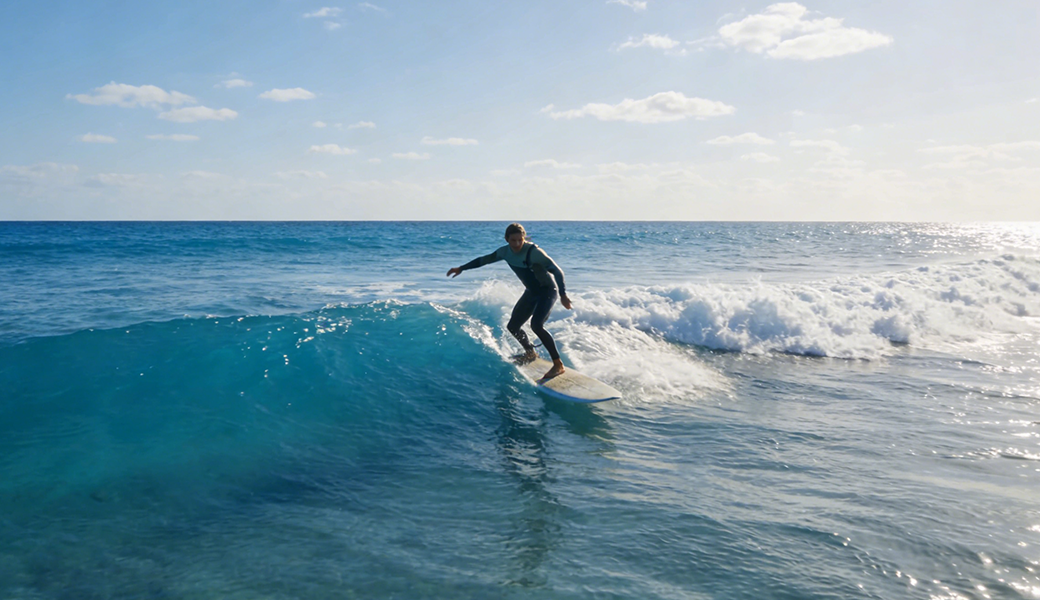
Create a video from text or an image.
Describe a scene or upload a starting frame, then make a free 480p draft before upgrading the clips worth publishing.

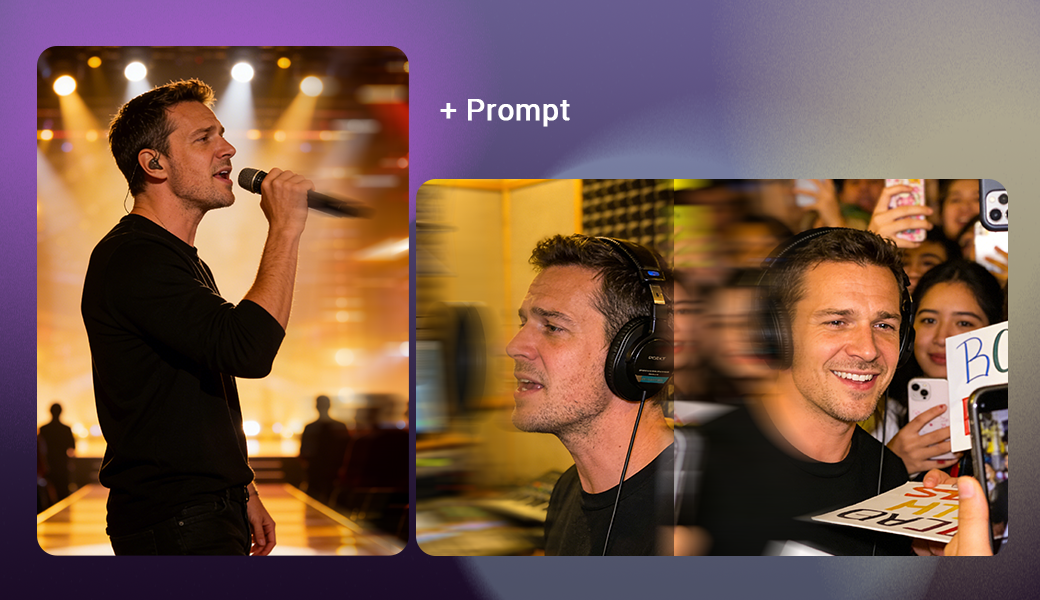
Fix the source image before you generate.
Restyle, clean up, expand, or combine images so your first frame, product shot, or thumbnail is ready for video.
AI Video Extender
Seamlessly extend your video duration with AI-generated content.
Frequently Asked Questions about AI Video Maker
What is MiniMax H3?
How do I create a MiniMax H3 video?
What is the best free AI video maker online?
How long does an AI video take to generate?
What resolutions and lengths are available?
• Free plan: 5-second, 480p videos.
• Paid plans: 720p HD (and more concurrent jobs) for faster workflows.
Can I use the videos commercially?
Does AI Video Maker do text-to-video and image-to-video?
Are my AI videos public or private?
Which AI model powers the generator?
Can I generate NSFW or adult content?
What if the generated video only has 480P resolution?
Is the Upscale function free?
How do I use the Upscale function?
How does the Upscale function optimize video clarity?
Can the Upscale function only be used for AI-generated videos?
How can I remove the watermark from my video?
What are typical use cases?
• Marketers: short ads, promos, product teasers.
• Content creators: social clips for TikTok, YouTube Shorts, Reels.
• Educators: quick explainers and visual aids.
How do I upgrade for HD and more concurrent jobs?
Billing: receipts and cancellation
• Receipts: Manage Account → Dashboard → Receipts.
• Cancel anytime in Manage Account / Dashboard, you won’t be charged again next cycle.